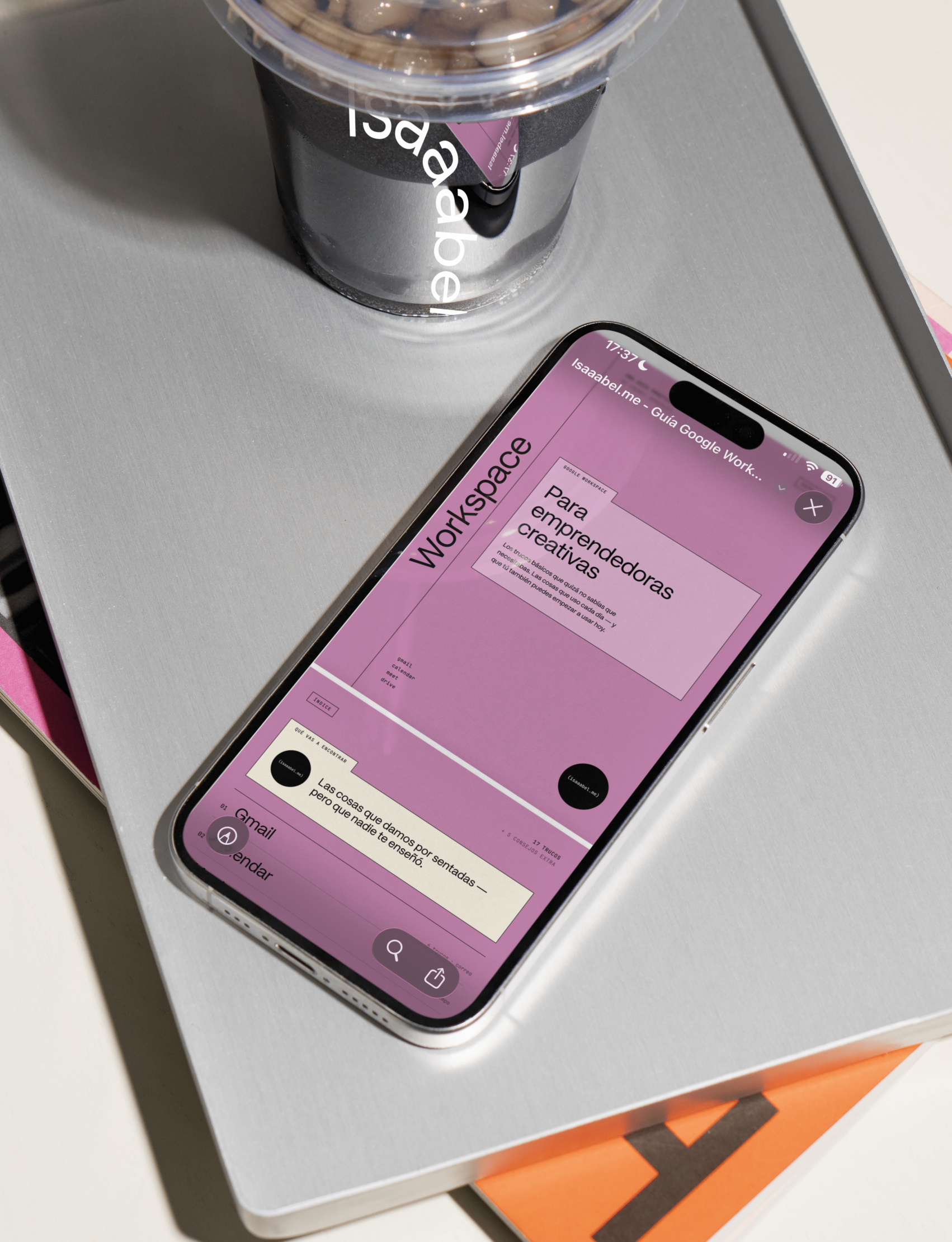
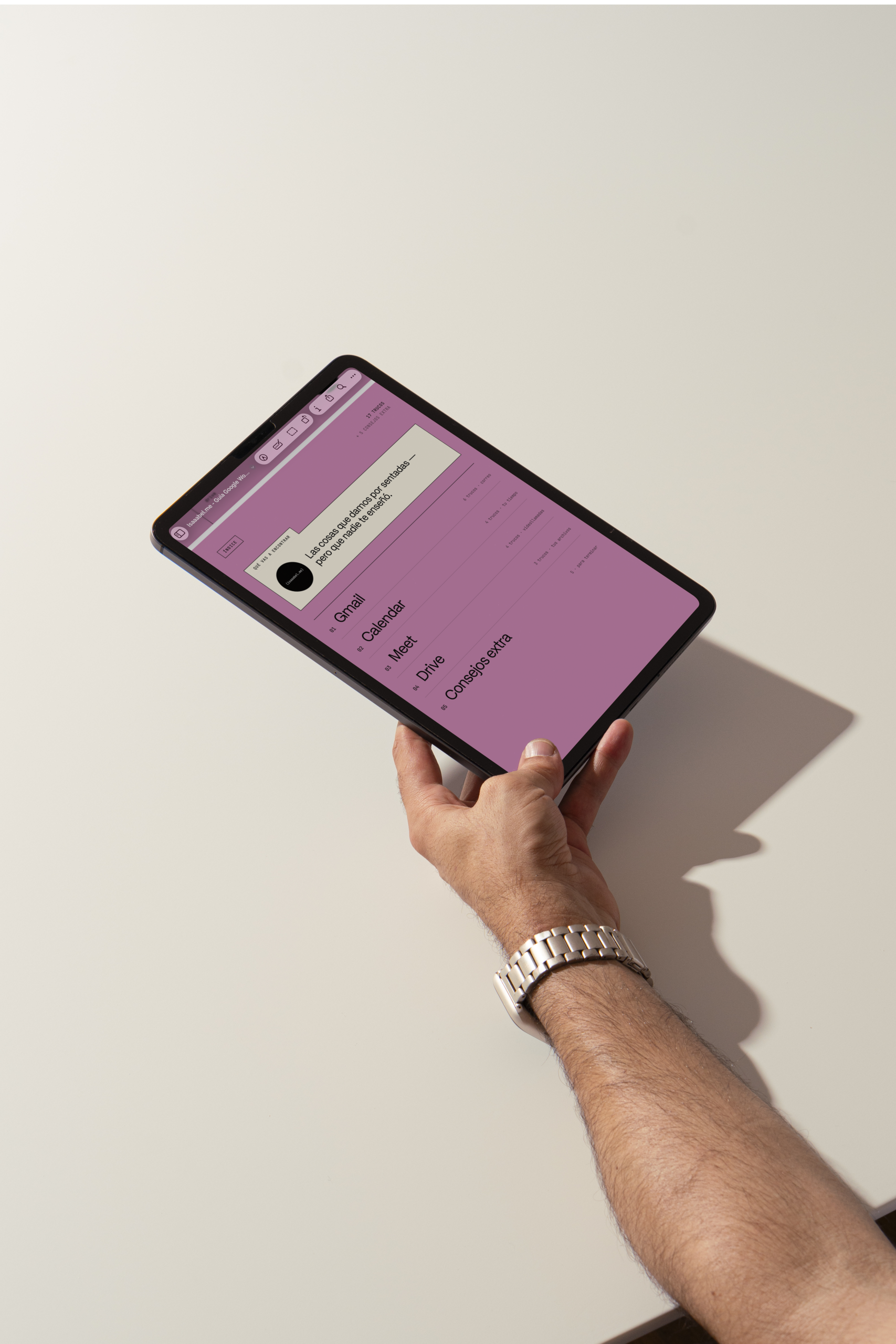

Practical Google Workspace Guide | Free
The Google Workspace tricks I use every day — the ones you probably didn’t know existed.
You use Gmail, Calendar, Meet and Drive every single day, but you’re likely using a fraction of what they can do. This guide collects the features that actually save you time — the ones I use to manage clients and projects — explained without the jargon and ready to put to work today. (Please note: the guide is written in Spanish.)
what you'll find
- Gmail tricks so your inbox stops eating your mornings
- How to set up a Calendar that protects your actual working time
- Getting more out of Meet without losing half the call to setup
- A Drive structure that makes sense — and that you can keep up with
- How to share files with clients securely
- Everything step by step, no technical knowledge needed
- 13 pages, straight to the point, no filler
versions
Downloadable PDF · 13 pages · Spanish
why you’ll love it
Because it isn’t a Google manual , it’s what I use every day working with creative teams and clients. It’s built so you can read it in one sitting and walk away with three or four things you can apply this week. No features you’re never going to touch.
how it works
- Add it to your cart and complete the order (€0, no payment details needed).
- You’ll get the download link in your confirmation email.
- Download it and save it somewhere you’ll actually find it.
Important:
- The guide is written in Spanish.
- Digital product — nothing physical is shipped.
- You’ll need a Google account (free or Workspace) to apply what’s inside.